
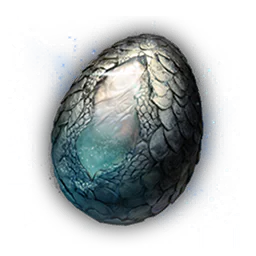
- Holy
Abyssal Dragon Egg
Construction Material
Item database
Decide what to bring into a hunt and what to keep, use, sell, or open after extraction. Search by the official name, filter by category, rarity, source, or use, then hover or focus a card for its in-game description, value, and acquisition clues.
Showing 1 to 36 of 503 items
Construction Material
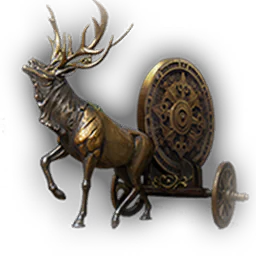
Construction Material
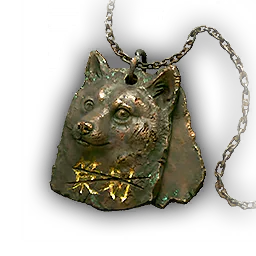
Collectible
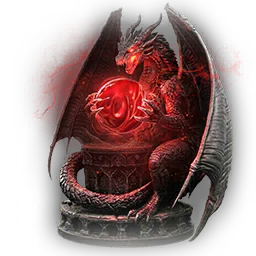
Construction Material
Construction Material
Collectible

Soulcatch Material
Construction Material

Forging Material

Construction Material
Construction Material
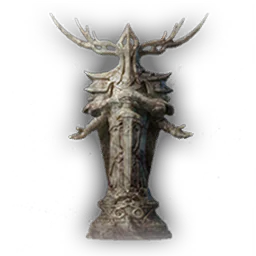
Construction Material
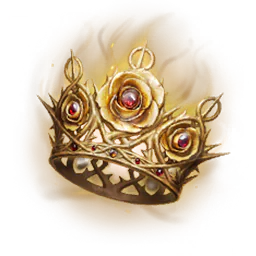
Construction Material
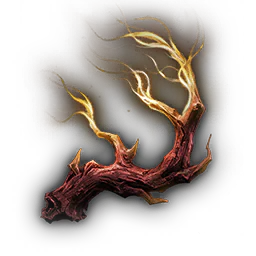
Forging Material
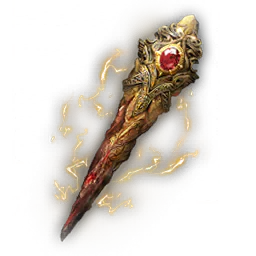
Construction Material
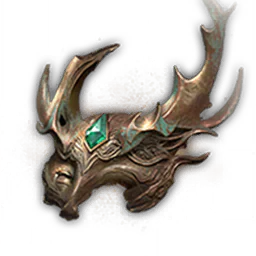
Construction Material

Construction Material
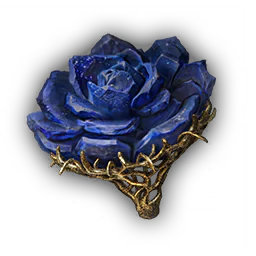
Construction Material
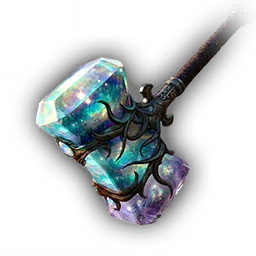
Construction Material
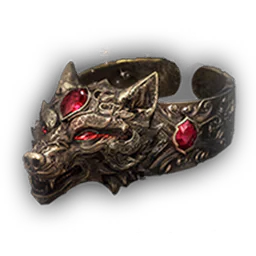
Construction Material

Forging Material
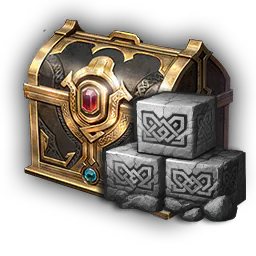
Chest
Chest
Chest
Chest
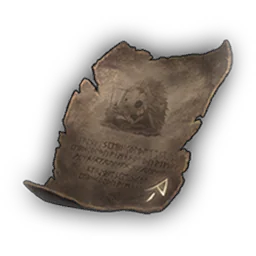
Voucher
Voucher
Voucher
Voucher
Voucher
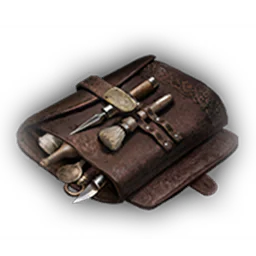
Voucher
Voucher
Voucher
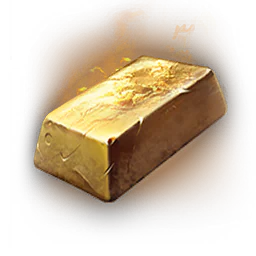
Forging Material
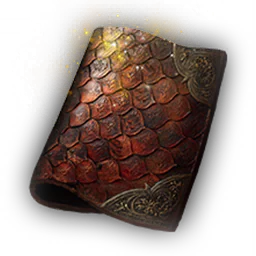
Forging Material
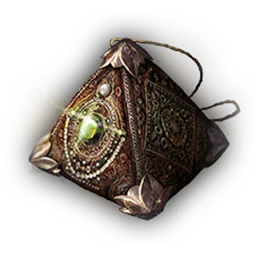
Construction Material
Mistfall Hunter asks you to make item decisions before a hunt, while managing limited inventory space, and after returning to camp. You may need to know whether a material is required by a current recipe, whether a key opens access elsewhere, whether a consumable can be traded, or whether a resource should be kept for a building upgrade. This database keeps those questions together. Its 503 ordinary items cover materials, consumables, containers, keys, vouchers, quest and raid objects, extraction resources, and other special items. Affix gems and equipment remain separate because their sockets, compatibility, and variant rules need dedicated views.
Start with the filters when you are clearing a crowded stash or planning the next trip. Category and rarity narrow the list by the properties players actually recognize. Source-and-use filters reveal items tied to shops, crafting recipes, tasks, building upgrades, or containers. Sorting by value, maximum stack, rarity, or official name supports different decisions. Hover an item, focus it with the keyboard, or tap it on a touch screen to open the same compact information layout used by the game. The database keeps the current search, filters, sort, page, and scroll position while you inspect several tooltips in sequence.
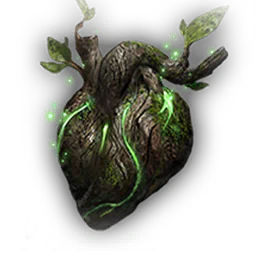
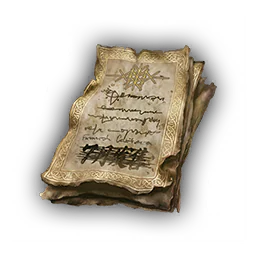
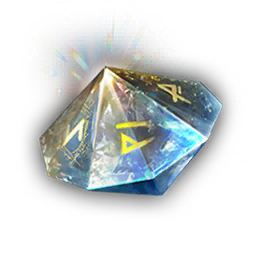
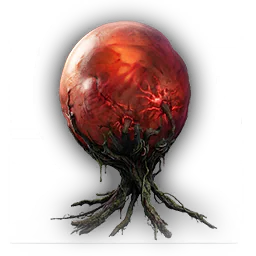
Each item tooltip follows the layout players already know: official localized name, item type, icon, use text, flavor description, listed acquisition sources, and in-game value when available. Variants with the same visible name and appearance stay together, so a single item does not turn into several unexplained detail pages.
The Value field is a fixed in-game property, not a live player-market price. Items marked as possible container contents are not necessarily equally likely. When no reliable drop rate is available, no percentage is shown.
Source-and-use filters turn a flat item list into a planning reference. Isolate materials connected to recipes, building upgrades, shops, tasks, or containers, then hover the remaining cards to read their acquisition text. The familiar tooltip layout makes this quick to check during a hunt.
Each relationship answers a different question. A shop offer confirms an exchange, but its availability may depend on account progress. A task connection does not establish a repeatable farm, and a possible container reward does not show how often the item is selected. The page leaves out quantities, conditions, and probabilities that are not confirmed. Check the item's identity, properties, and uses here, then consider your camp level, unlocked tasks, currency, and free space before deciding what to buy, open, carry, or keep.