
Read the battlefield before you search, fight, and extract
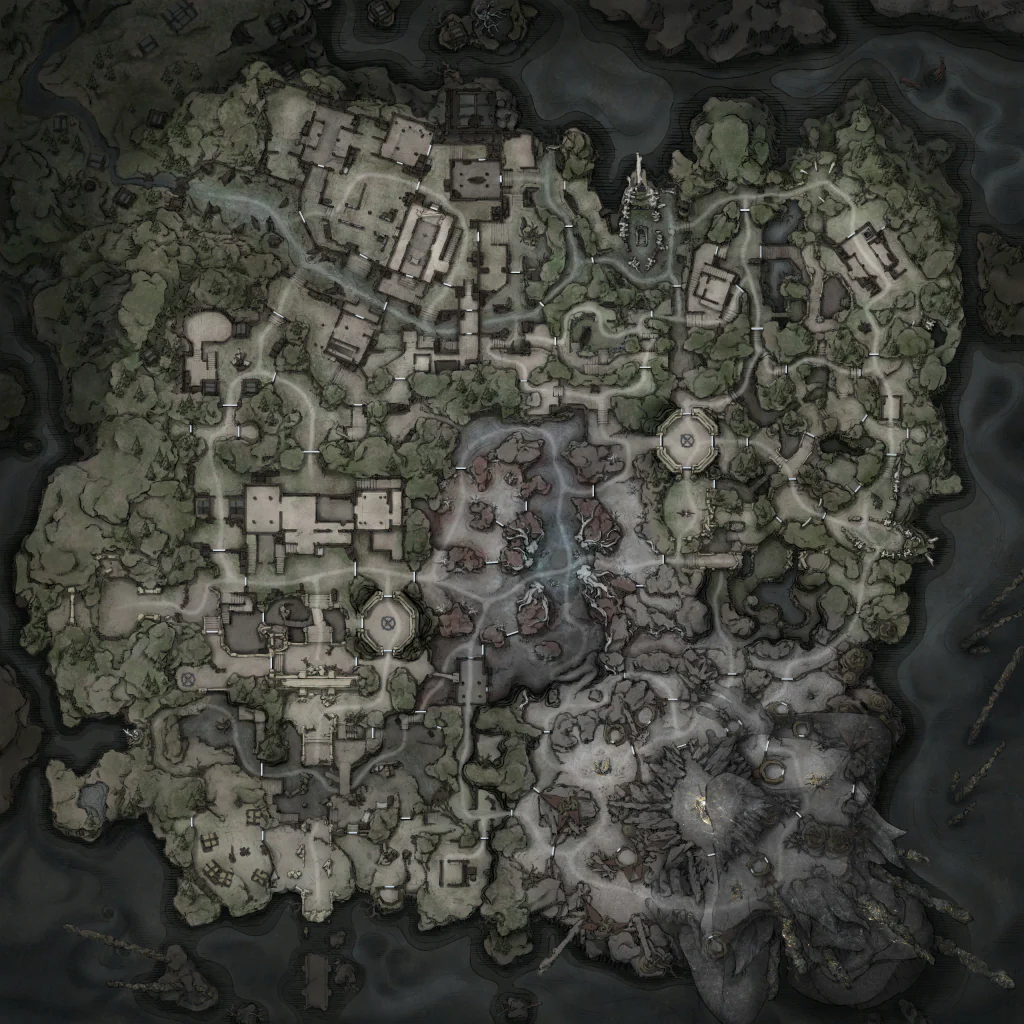
The atlas covers the two formal maps: Hallowgrove and Brandrgarde. Brandrgarde South and North are areas of the same fortress scene, so choose the area before planning a route.
Two formal maps, with one fortress split into areas
The two formal maps are Hallowgrove and Brandrgarde. Brandrgarde South and North are areas of the same fortress scene, not separate top-level maps.
Choose the map first, then the Brandrgarde area when needed. Changing either replaces the terrain image and its point data together, so filters and counts always belong to the view on screen.
Pan and zoom without losing your route
Drag the map or use the arrow keys to follow a route. Zoom with the mouse wheel or the plus and minus controls; zooming stays centered near the pointer so the location under inspection remains in view. Use Reset view or the Home key whenever you want the whole scene back.
On a phone or tablet, drag directly on the terrain and use the compact controls. The map view keeps its own gesture handling so moving around the image does not accidentally drag the page.
Filter eight positioned layers
The available layers cover landmarks, objectives, enemy spawns, loose loot, treasure, vendors, traversal points, and extraction points. Counts always describe the selected map area and the filters currently applied.
Use the two compact switches to compare day or night and solo or team raids. The atlas keeps standard-match locations and includes every activity context automatically. Enemy and treasure type filters use official identities, while search checks every localized identity attached to a location.
Treat possible locations as route options
The atlas places known vendors, landmarks, loot, traversal or portal points, and extraction candidates alongside objectives, enemies, and treasure.
Treasure points also carry the loot area that decides what a container can hold. Search a loot area, or follow the area link on an equipment page, to see exactly which containers in that area can roll the piece you want.
A mapped position is not a promise that the point is active in every run. Check its match conditions here, then confirm the live route in game before committing to a fight or extraction.